
The Tiny Settings That Could Add Hours of Battery Life
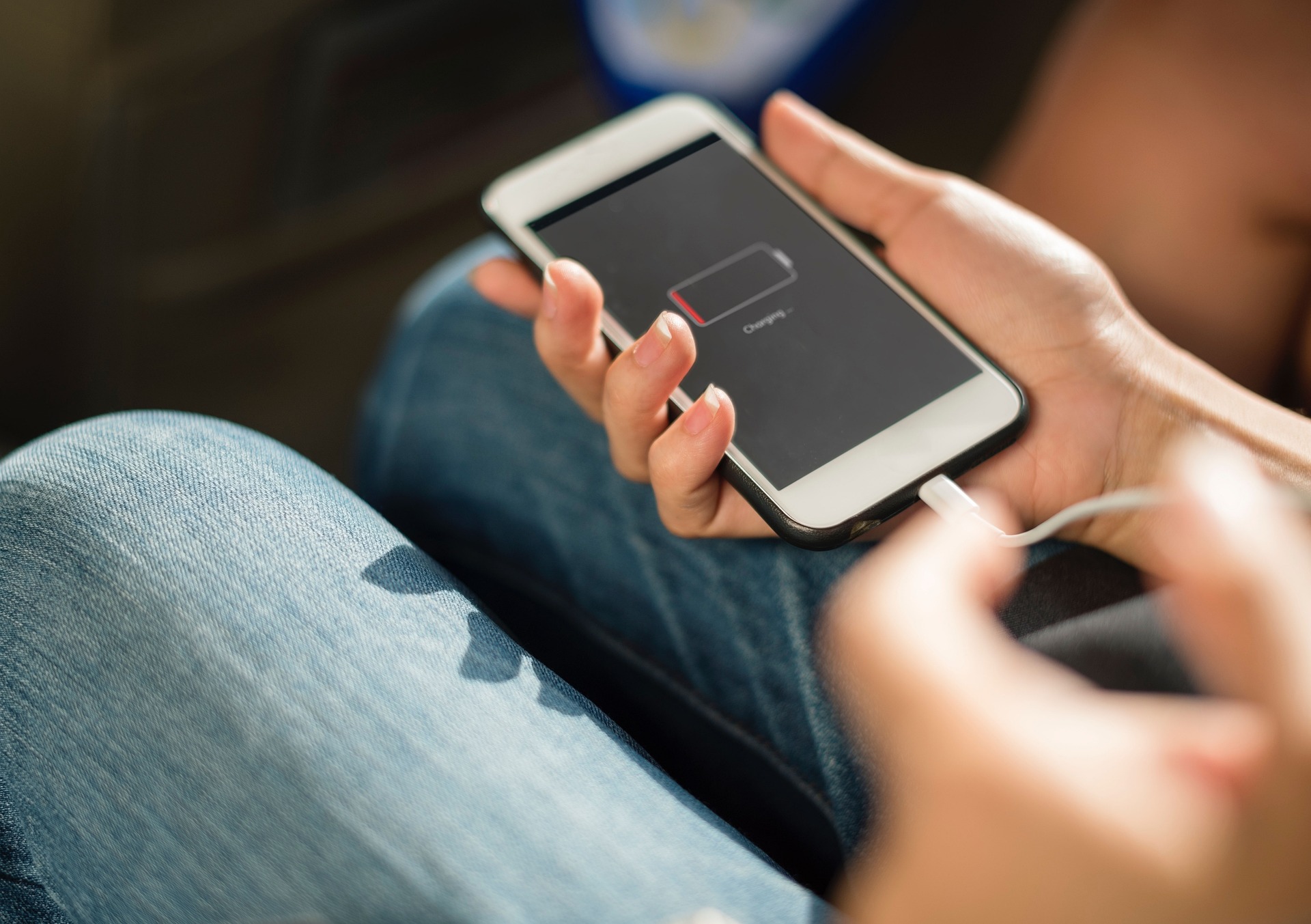
Have you ever looked at your phone at 2 p.m. and wondered who stole half your battery? You’re not alone. Most people blame an aging device, but tiny settings often act like silent power thieves. The good news is that a few quick adjustments can make a surprisingly big difference.
Screen Brightness Is Often the Biggest Culprit
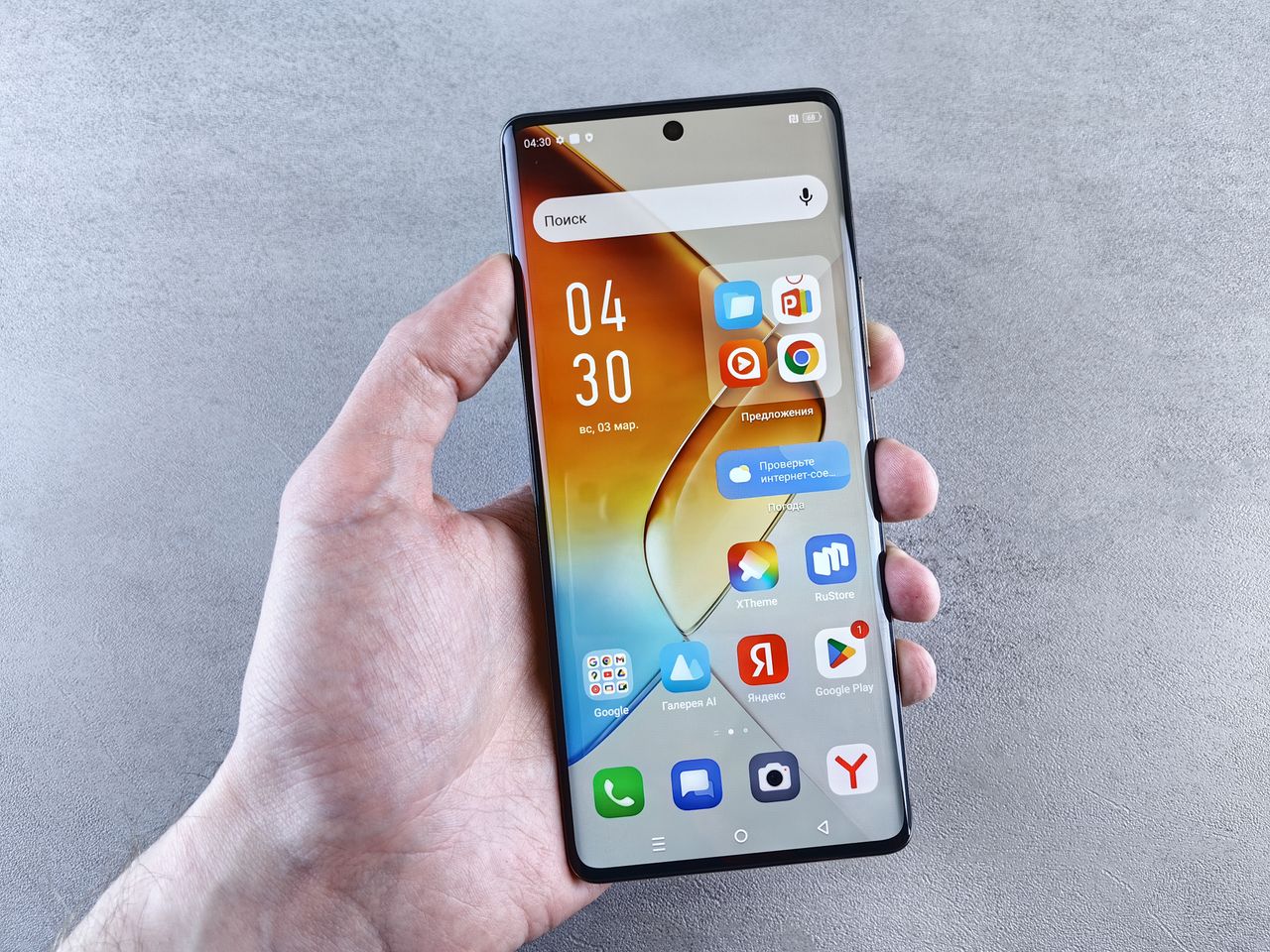
Your display is usually the hungriest part of your phone. Many people leave brightness cranked up all day, even indoors. That is like driving a sports car in first gear and wondering where the fuel went. Auto-brightness has improved a lot over the years. Letting your device adjust itself can cut unnecessary power use.
Lowering brightness slightly may not look dramatic, but your battery will definitely notice. A small slider movement can translate into extra hours later in the day.Many users also forget that maximum brightness is rarely needed indoors. Artificial lighting and office environments typically require much less screen output. Cutting brightness by even 20 percent can have a measurable impact. It is one of the fastest battery-saving tricks available.
Background Apps Love Your Battery More Than You Do
Some apps refuse to take a nap. They refresh content, check locations, and fetch updates even when you are not using them. It is like having several roommates who keep every light switched on. Take a few minutes to review which apps can run in the background. Many social media and shopping apps do not need constant activity. Restricting background refresh for less important apps often leads to immediate gains. Your phone stays responsive while using less energy behind the scenes. A surprising number of apps continue communicating with servers throughout the day. Those tiny actions may seem harmless individually. Combined, they create a steady drain on resources. Trimming unnecessary permissions can make a noticeable difference.
Location Services Are Useful but Expensive

Maps need location access. Ride-share apps need it too. A flashlight app, however, probably does not need to know where you bought coffee this morning. Many devices allow location access only while an app is in use. That setting is a hidden gem. It reduces unnecessary tracking and lowers power consumption at the same time. Some weather and travel apps request continuous location monitoring. In many cases, occasional access works just fine. Reviewing these permissions takes only a few minutes. The payoff can last all day long.
Refresh Rates Look Great but Consume More Power
Modern smartphones offer high refresh rate displays. Scrolling feels buttery smooth. Videos look fantastic. The trade-off is higher energy consumption. If battery life matters more than ultra-smooth animations, lowering the refresh rate can help. Some devices even switch automatically based on activity. The difference in daily use is often smaller than people expect. For regular messaging, browsing, and video watching, the benefit is often less obvious. Adjusting this setting can stretch usage time without changing how most tasks feel.
Battery technology keeps improving, but smart settings still matter. You do not need a brand-new phone every time battery performance dips. A few small adjustments can often deliver results that feel surprisingly big. Sometimes the difference between carrying a charger and leaving it at home comes down to settings you have not touched in years.